
AI assistant
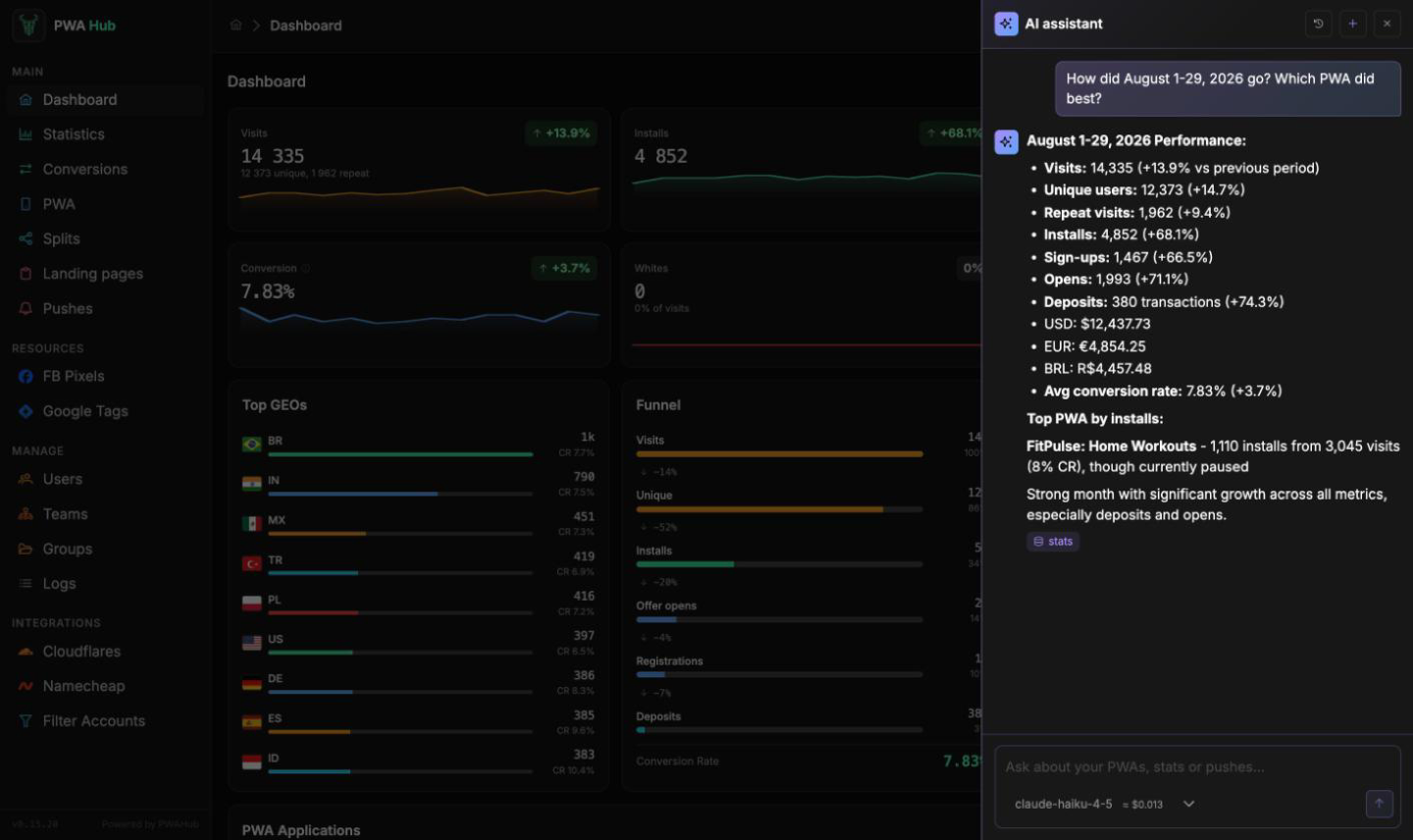
The AI assistant is a chat on the right of the panel. Ask in plain words - "how did the week go", "how did sending conversions to Facebook go", "which PWA has the best install rate" - and it opens the data it needs and answers with numbers.
AI must be connected
The assistant runs on the language model set up under AI Generation in the settings. Until an administrator connects a provider, the assistant button is not shown. See the "AI generation" part of the Settings section.
How to ask
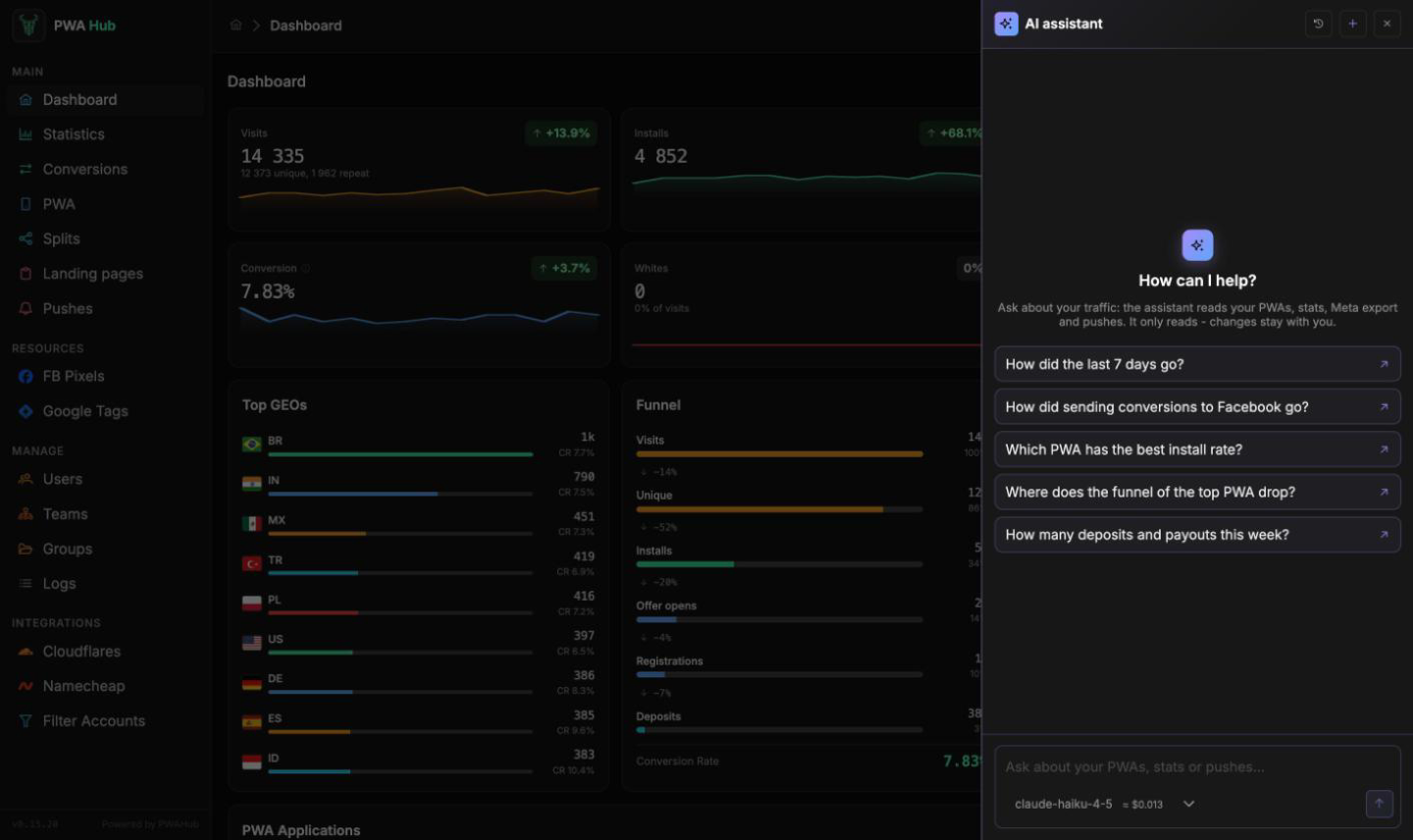
- Click the sparkles button at the top right - the AI assistant window opens.
- Type a question and press Enter (a new line is Shift + Enter), or pick one of the ready-made suggestions in an empty chat.
- While the assistant works, you see what it is looking at under the question - for example "stats…". The answer appears in the chat with tags of the data it read underneath.
It answers in the language of your question. The next question in the same chat continues the conversation: refine it ("and for Brazil?", "compare with last week") without repeating yourself.
About one PWA
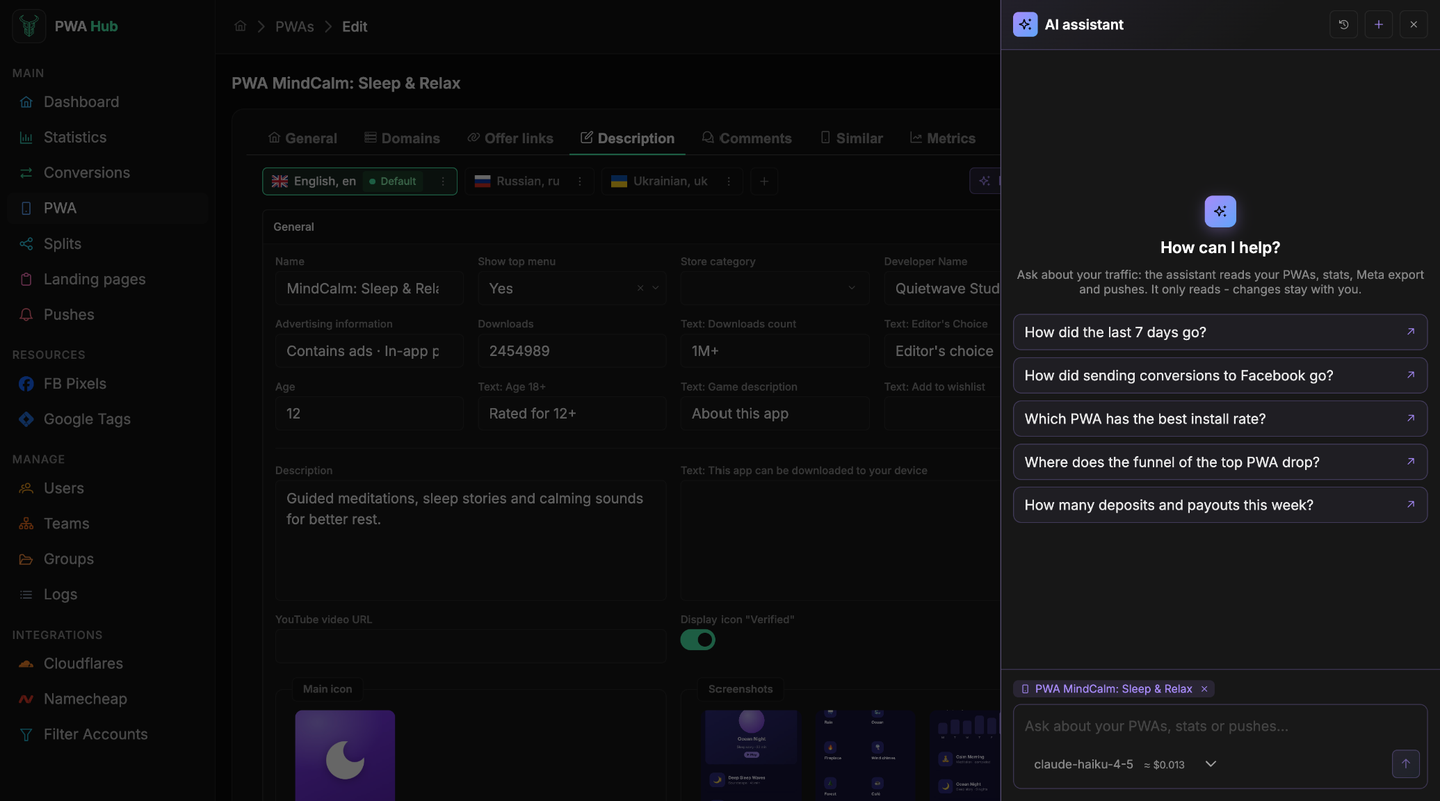
In the PWA form header there is a sparkles button - Ask AI. It opens a new chat about that app: the chip above the input shows the PWA, so "this app" in your question means it, and the chat is named after it in the history. Click the cross on the chip to ask about everything again.
What it sees
The assistant only reads - it never changes, creates or deletes anything. Ask it to fix something and it tells you where to do that in the panel.
| Data | What the assistant knows about it |
|---|---|
| PWAs | which are running, storefront languages, offer countries, whether a pixel is set, domains |
| Stats | visits, uniques, installs, sign-ups, deposits and payouts, change against the previous period, top PWAs |
| PWA funnel | the path from visit to deposit for one app |
| Meta export | how many conversions reached Facebook, failed or are waiting, per PWA, and the common errors |
| Pushes | type, status, trigger, how many were sent and clicked |
The assistant sees exactly what you see in the panel: your PWAs, pushes and the stats of your teams. Nobody else's data is within its reach.
Period
If you name no period, the assistant takes the last 7 days and says which days it counted. One question covers up to 31 days - for a longer period, ask in parts.
Chat history
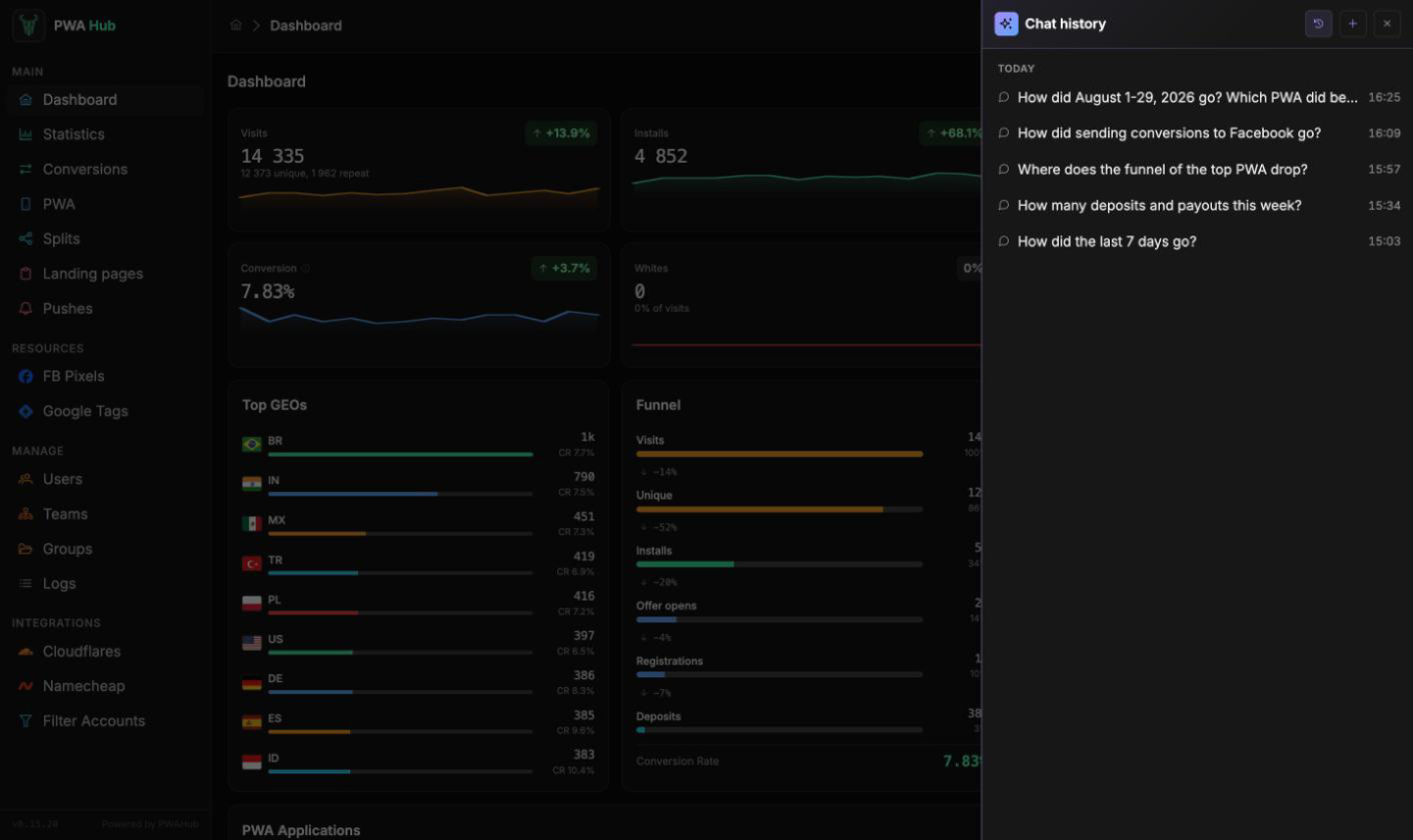
- The clock button in the window header - History: your chats, newest first. Click a chat to open it and carry on.
- The bin in a chat row - Delete chat: the chat is deleted with all its messages.
- The plus button - New chat: an empty chat for a new question.
Only you see your chats. They are kept until you delete them.
What a question costs
Every question is a paid request to the provider with the key from the settings. Under the input you see the approximate price of one question on the chosen model. If the administrator allowed several models, you can pick one there too - the panel remembers your choice.